Collov AI Review: Redesign Any Room in Seconds
Collov AI turns a single photo of your room into dozens of styled interior designs in under a minute. Here is how it actually performs.

The good
- Photorealistic renders that respect the original room geometry
- Huge library of styles and room types
- Excellent for virtual staging of empty rooms
- Results in under a minute
- Shoppable furniture tags on many items
The not-so-good
- Struggles with cluttered or oddly shaped rooms
- Free plan caps fill up quickly for power users
- Product links have patchy coverage outside the US
- Occasional artifacts on lamps, mirrors and small decor
What is Collov AI?
Collov AI is an AI-powered interior design platform that takes a photo of a real or empty room and generates fully decorated renderings in dozens of styles — Scandinavian, Japandi, modern farmhouse, industrial, you name it. It is used by homeowners planning a renovation, real estate agents staging listings, and interior designers who want a faster way to pitch concepts to clients.
Under the hood, Collov combines image-conditioned diffusion models with a furniture/product catalog, so the rendered rooms are not just pretty pictures — many of the items are tagged and shoppable.
Who is it for?
- Homeowners exploring renovation ideas before committing to a designer
- Real estate agents virtually staging empty listings
- Interior designers generating client moodboards in minutes instead of hours
- Airbnb hosts experimenting with new looks for their listings
How it works
- Upload a photo of your room (empty or furnished).
- Pick a style, room type, and color palette.
- Collov returns 4–8 high-resolution renders in roughly 30–60 seconds.
- Iterate on the result, swap furniture, or download the final image.
What it does well
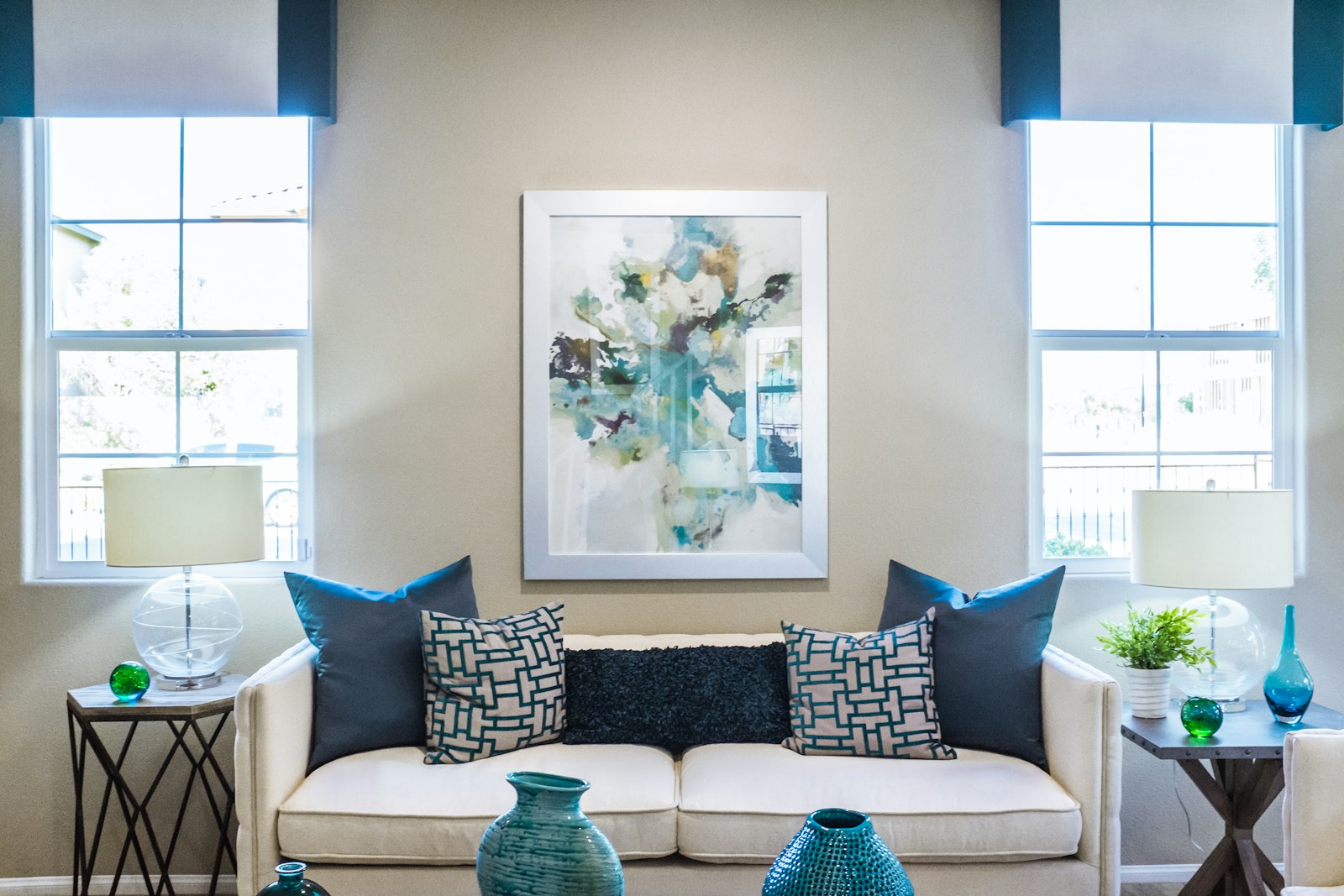
The quality jump over the first wave of AI room-design tools is real. Lines stay straight, windows stay where they are, and the lighting in the rendered scene usually matches the original photo. For empty-room staging in particular, the results are good enough to use directly on a listing.
The style library is broad and easy to browse. Even if you have no design vocabulary, scrolling through preset styles gives you a fast way to land on a direction.
Where it falls short
Complex rooms — odd angles, sloped ceilings, very cluttered backgrounds — still confuse the model. You will sometimes get a floating lamp or a doorway that mysteriously disappears. The free plan is generous for trying it out, but heavy users will hit the cap within a day.
The shoppable-product layer is a nice idea, but coverage varies by region. Outside the US, "buy this exact sofa" links are hit or miss.
Pricing
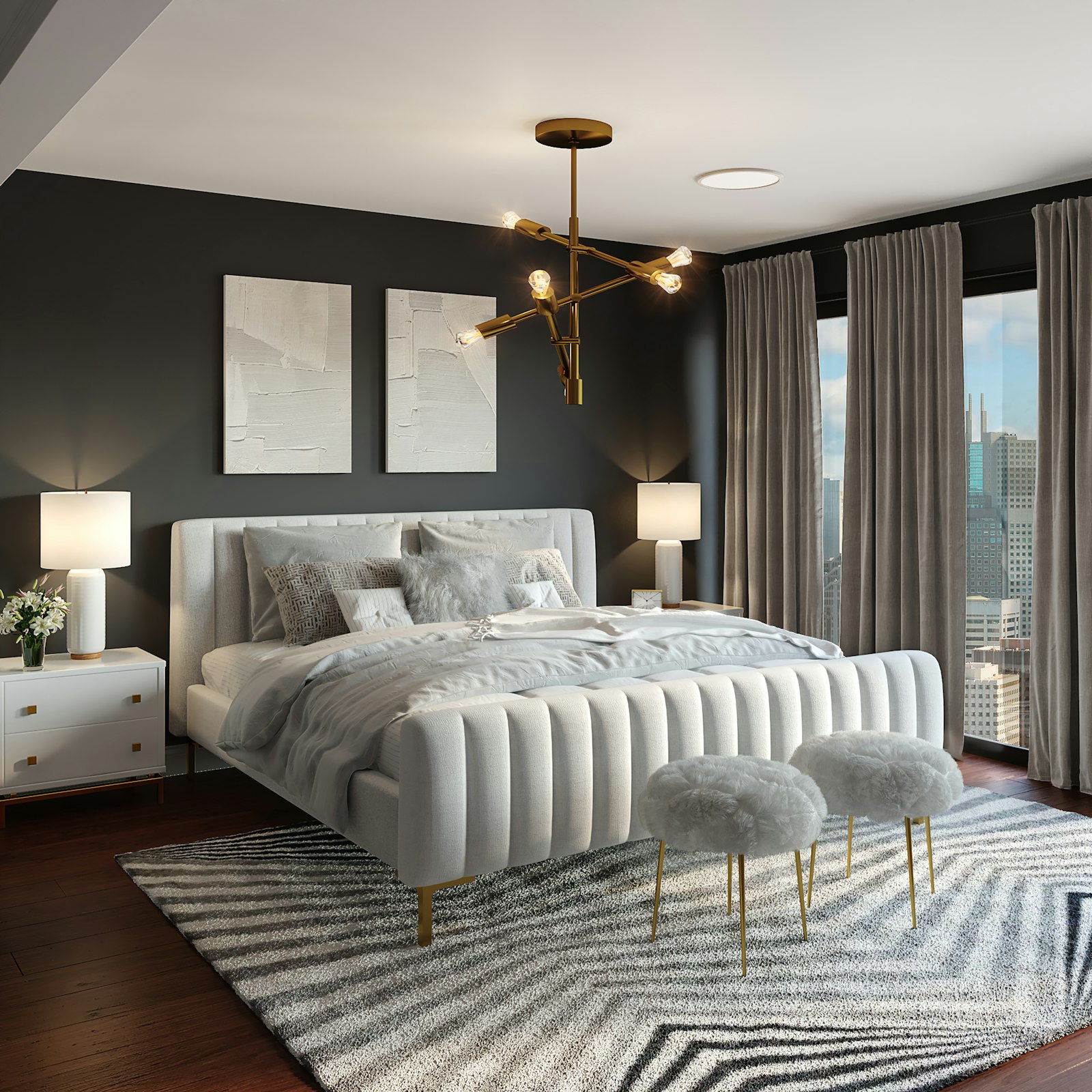
Collov AI has a free tier with a limited number of monthly renders, then paid plans that unlock higher resolution, more styles, and commercial use. Pricing is competitive with other AI staging tools and clearly cheaper than hiring a virtual stager per photo.
Verdict
If you need fast, good-looking interior visualizations and you are okay with the occasional weird artifact, Collov AI is one of the best options on the market right now. For agents and hosts it pays for itself after a single listing; for homeowners it is a fun, low-stakes way to explore directions before spending real money.
Ready to give it a spin?
Try Collov AIComments
Loading comments…